Noxavand Features Overview
Noxavand is a free financial expense tracker.
1. Core Metrics
Displays total income, total expenses, and net savings.

2. NLI Ingestor
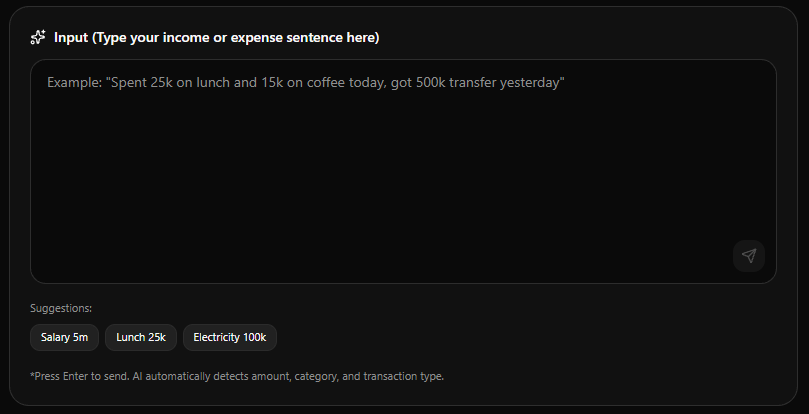
Write, modify, or delete transactions by prompt. AI will check existing records before modifying data.
3. AI Advisor
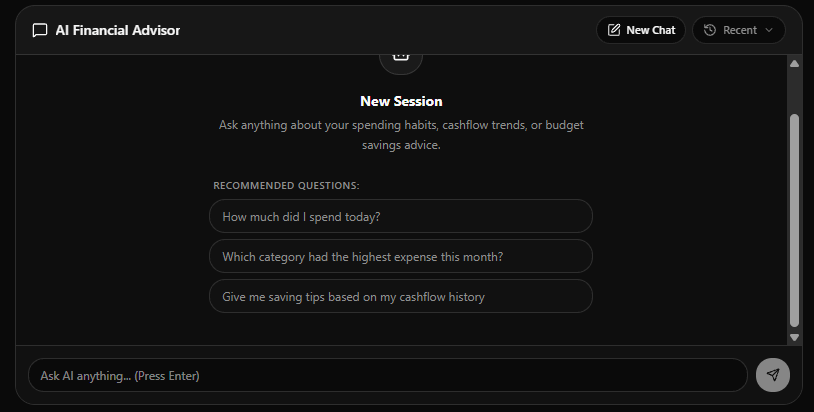
Ask AI to help analyze spending and provide financial recommendations.
4. Interactive Charts
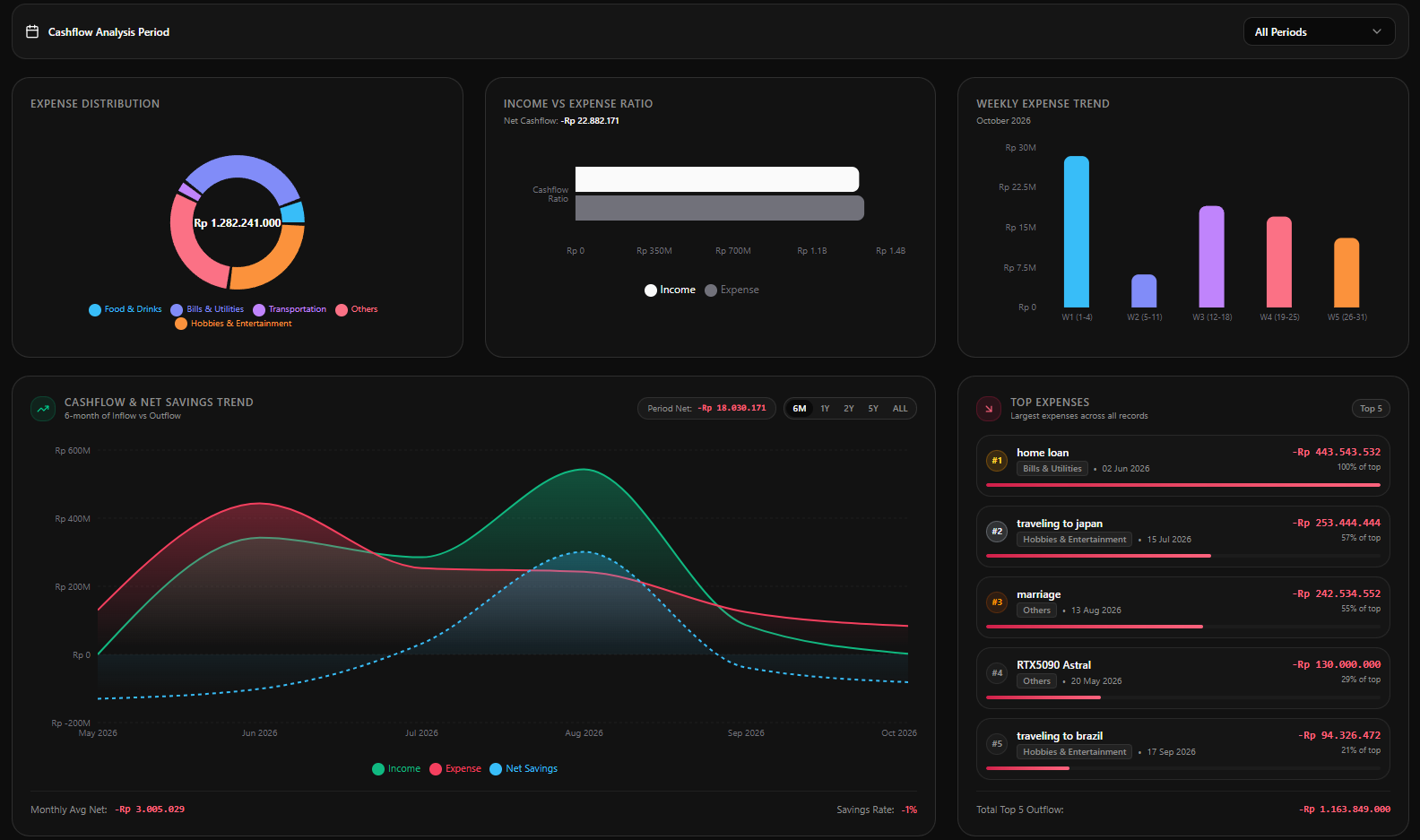
Fully interactive charts to visualize your expense patterns.
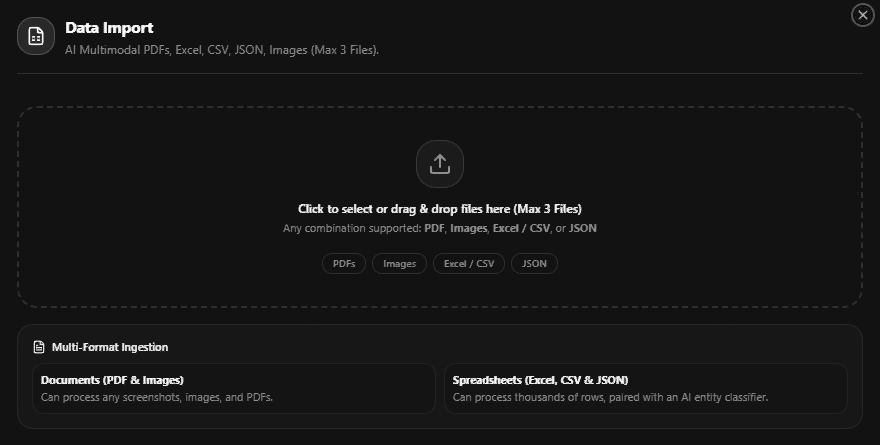
5. Document Ingestion
Import transactions from PDFs, Excel, images, or JSON files. AI will extract the data.
6. Transaction Table
View and manage all transactions. Search, filter, edit, and categorize transactions.

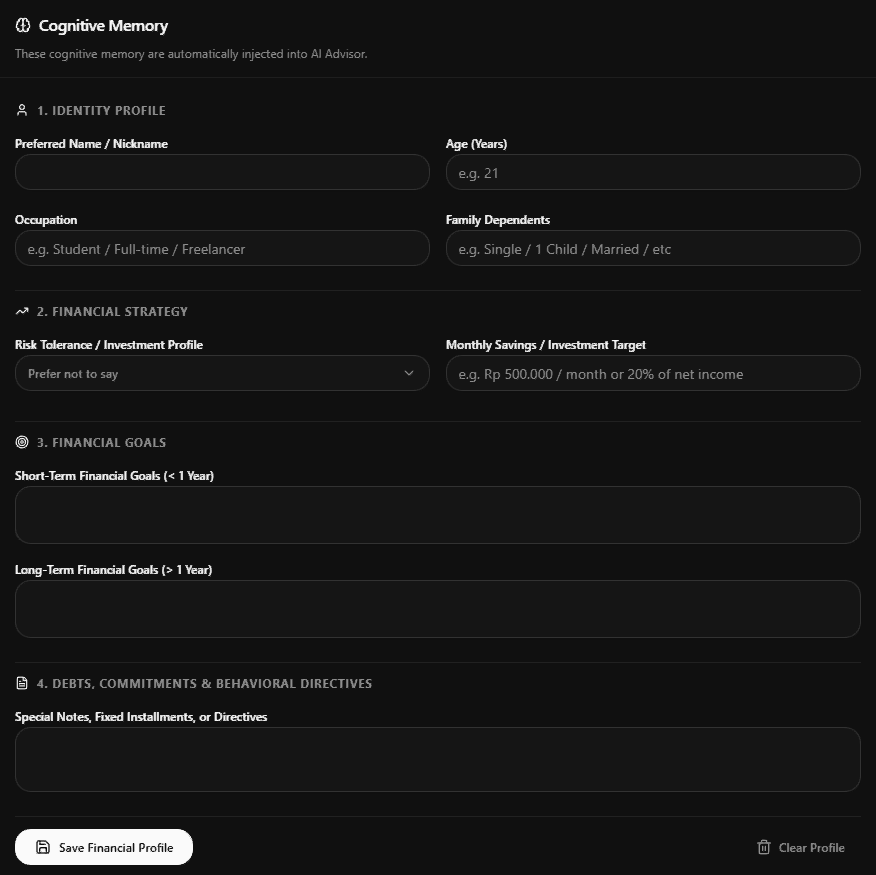
7. Financial Profile
Input your financial profile (Optional). AI will use this to provide more specific advice.
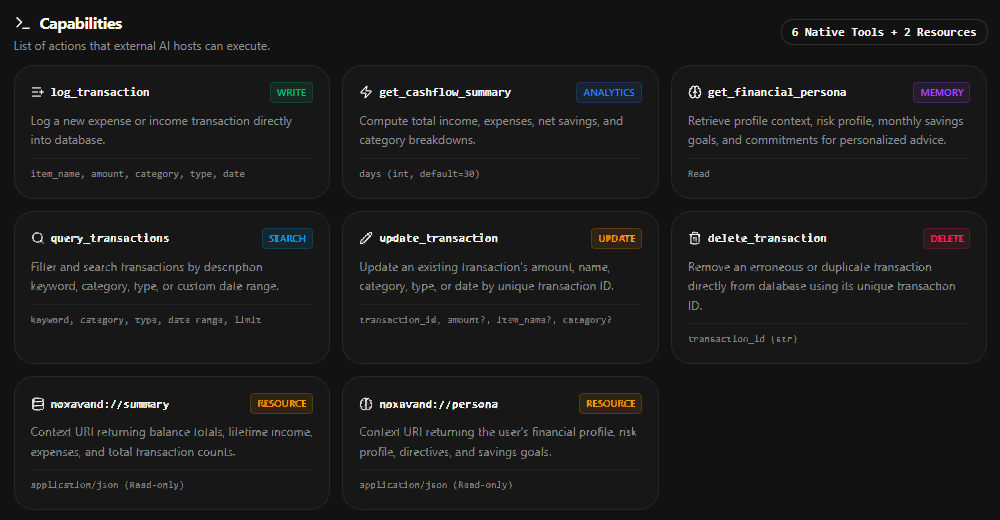
8. MCP Protocol
Support Model Context Protocol (MCP) integration. Currently for antigravity, cursor, and claude.
9. Settings
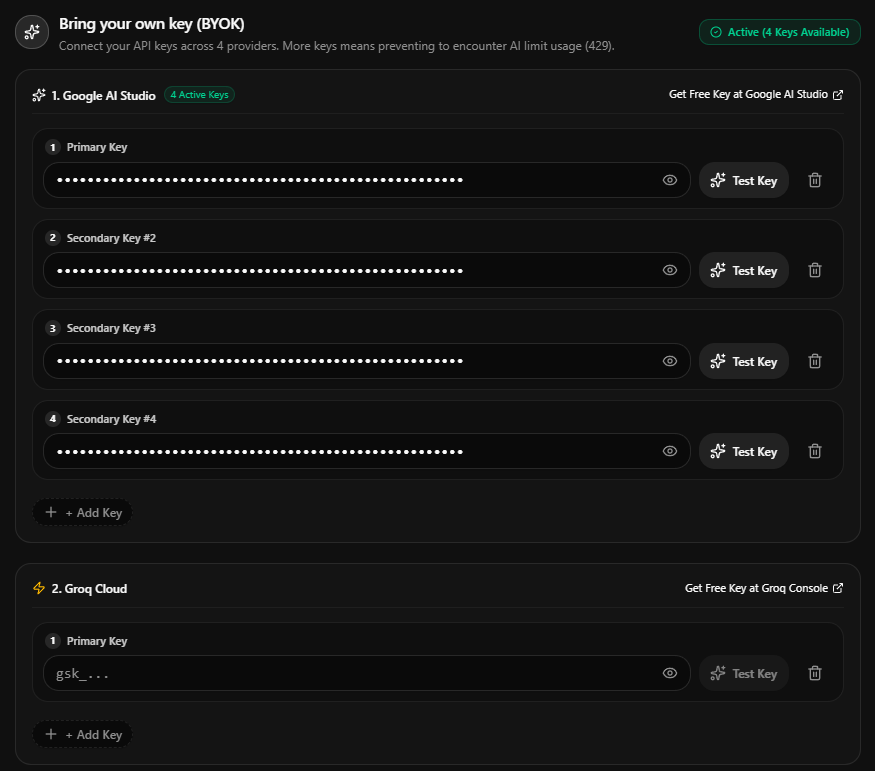
Bring Your Own Key (BYOK) allows you to use free API keys across Google Gemini, Groq (Llama 3.3), GitHub Models, and OpenRouter. If a key hits rate limits, Noxavand automatically falls back to secondary providers etc.